Disable Discovery Protocols for selected Devices

Dear JDisc friends,
we are permanently improving our software. This time, we got requests from customers that our discovery is creating security alerts on specific devices when trying to connect via SSH or other protocols. Especially firewalls don’t like when applications try to connect via SSH. Wouldn’t it be cool to define that remote login via SSH will not be used on this particular device? If we already know that we use SNMP to perform the scan and SSH will not provide any additional information, but just creates security alerts, then we can simply disable remote login via SSH for this device. Of course, this will not affect the discovery of other devices!
The following sections explain how to disable individual discovery protocols and where to review a device’s configuration.
Disable individual devices by selecting them in any device report and then use the context menu in order to disable the protocols. Choose the menu item Reset Discovery Protocols in order to reset the individual discovery protocol settings to their default (enabled).
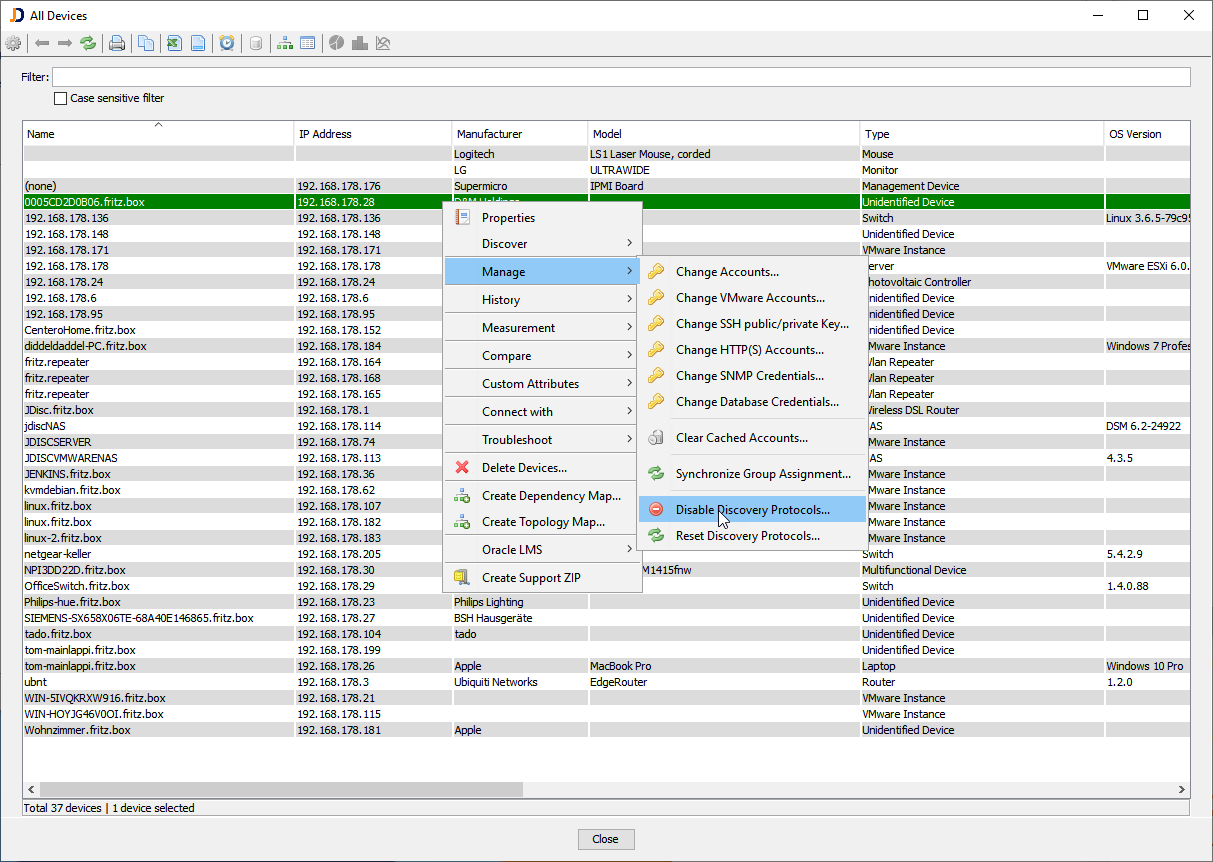
The context menu opens a configuration dialog that lets you choose the protocols to disable.
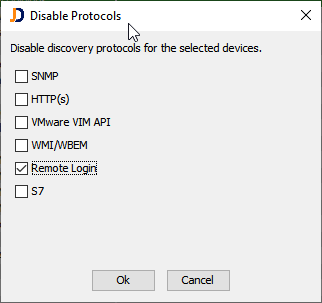
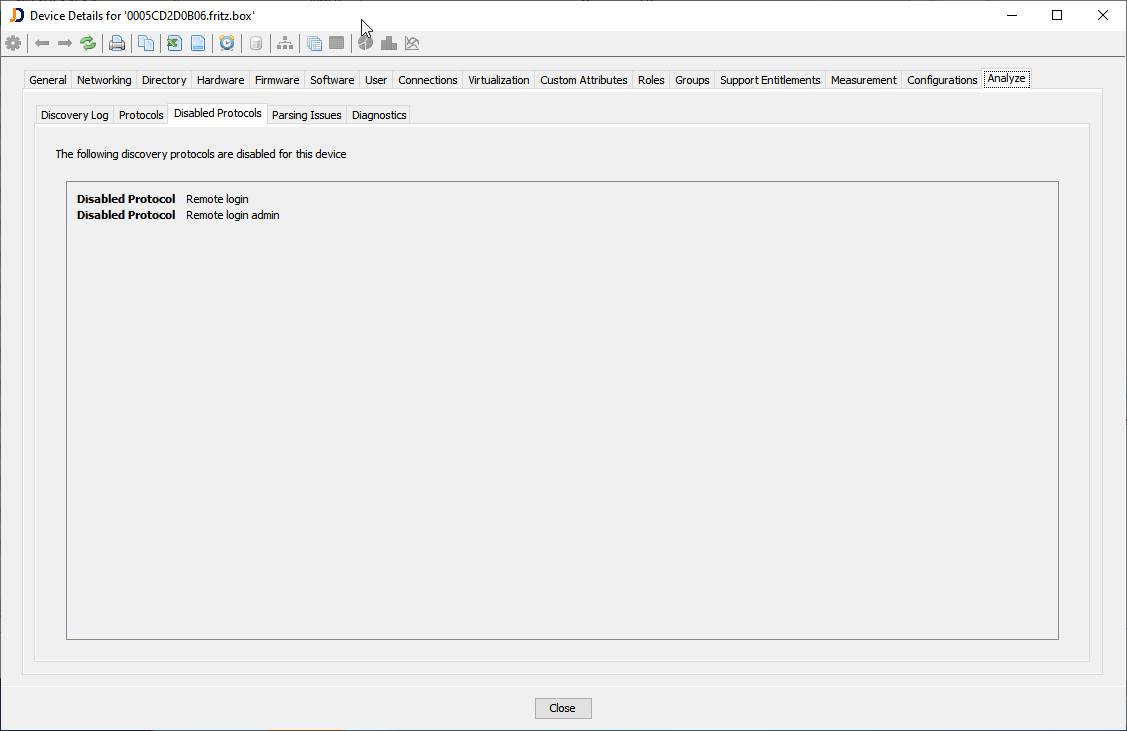
Note that SNMP disables SNMPv1, v2c and v3 and remote login disabled remote login and remote login admin!
Once a protocol is disabled, it will not be used to scan the selected devices anymore. Review the settings for a particular device from within its properties dialog.
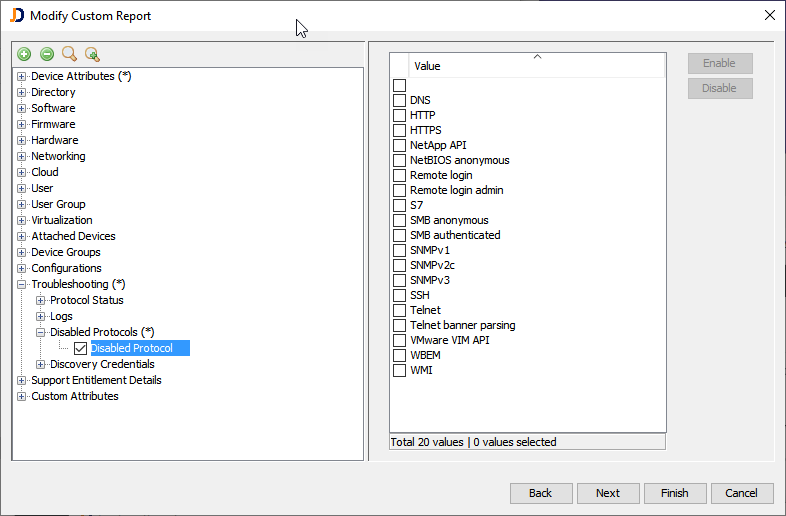
In order to get an overview of all devices, you might create a custom report which includes the list of disabled protocols for each device.
We hope that you like this new feature and that it helps to reduce the list of security alerts that are related to discovery activities.
This feature will be released with the next build 5018.
Cheers,
Thomas
Über den Autor